
Choosing the right phones is an important part of creating a reliable business communication setup. VoIP IP phones are designed to make and receive calls over an internet connection, providing businesses with access to modern calling features without relying on traditional telephone lines.
From straightforward desk phones to more advanced devices with programmable keys, colour displays and conferencing features, there are VoIP phones available for different users, roles and working environments.
In this guide, we explain what VoIP IP phones are, the different types available and what UK businesses should consider when choosing devices for their team.
If you’re looking for the complete phone system rather than individual handsets, explore our hosted phone systems for UK businesses.
What Is a VoIP IP Phone?
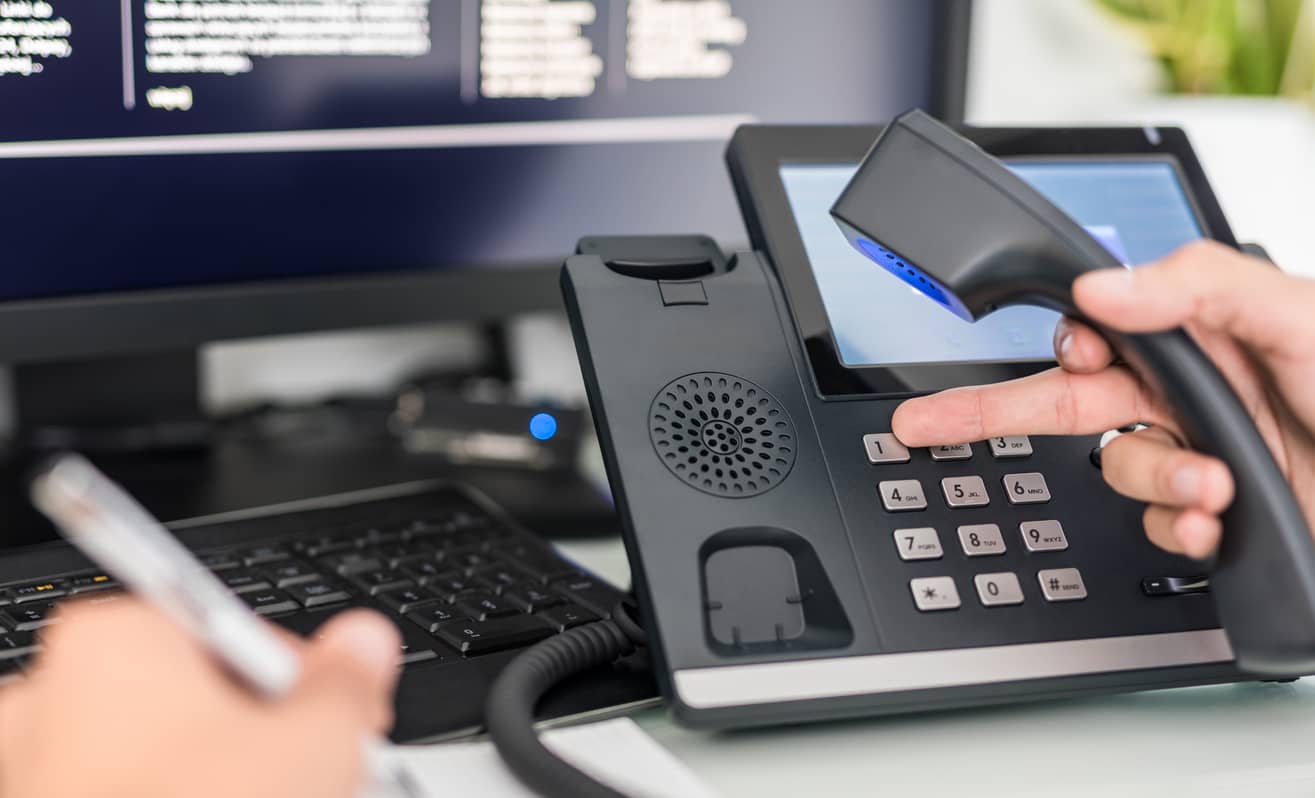
A VoIP IP phone is a telephone designed to make and receive voice calls over an internet connection rather than a traditional telephone line. It connects to a VoIP service or business phone system and converts voice into digital data that can be transmitted over the internet.
Although many VoIP IP phones look similar to traditional office desk phones, they can provide additional business features such as call transfer, programmable keys, contact directories, voicemail access and conferencing.
Types of VoIP IP Phones:
- Desk Phones: Traditional-style office phones designed for everyday business calling, often with programmable keys and call management features.
- Cordless IP Phones: Wireless handsets that allow employees to move around the workplace while remaining connected to the business phone system.
- Conference Phones: Designed for meeting rooms and group calls, with microphones and speakers suited to multiple participants.
- Video IP Phones: Devices with integrated displays and cameras that can support voice and video communication.
Benefits of VoIP IP Phones for Businesses
VoIP IP phones can provide businesses with more flexibility and functionality than traditional office handsets, particularly when used as part of a modern cloud-based phone system.
1. Business Call Features
Modern VoIP phones can provide easy access to features such as call transfer, hold, voicemail, call forwarding, conferencing and programmable function keys.
2. Flexible Working
VoIP phones can be used across different offices and locations where a suitable internet connection and phone system configuration are available, helping businesses support more flexible ways of working.
3. Easier to Scale
As your business grows, additional compatible VoIP phones and users can usually be added without the need to install traditional telephone lines for every new employee.
4. Improved Call Management
Features such as contact directories, programmable keys, call history and presence information can make it easier for employees to manage business calls and communicate efficiently.
5. Choice of Devices
Businesses can choose from a wide range of VoIP phones, from straightforward desk handsets to cordless, conference and video-enabled devices, allowing different teams and users to have equipment suited to their roles.
Choosing the Right VoIP IP Phone for Your Business
The right VoIP phone will depend on how each person in your business works. A receptionist handling a high volume of calls may need very different features from an occasional phone user or someone who regularly works away from their desk.
onsider How the Phone Will Be Used
Before choosing a handset, consider:
- How many calls does the user typically handle?
- Do they need programmable or speed-dial keys?
- Will they regularly transfer calls between colleagues?
- Do they need a cordless handset?
- Will the phone be used for conference calls?
- Would a colour or touchscreen display be useful?
Check Compatibility
Not every VoIP handset is compatible with every phone platform. Before purchasing devices, check that the handset is supported by your chosen VoIP or hosted phone system and provides the features your users require.
Think About Future Requirements
Consider how your business may change over time. Choosing suitable, compatible devices can make it easier to add users, introduce additional features or adapt your communications as your team grows.
Popular VoIP Phone Brands
You can keep the brands already mentioned:
- Yealink
- Fanvil
- Cisco
The best choice depends on your phone system, user requirements and budget rather than the brand alone.
Choosing the Right VoIP IP Phone for Your Business
Softphones vs VoIP IP Phones
Physical VoIP phones aren’t the only way to make and receive business calls. Softphones are applications that allow employees to use a computer, laptop or mobile device as part of their business phone system.
A physical VoIP phone may be preferable for employees who spend a significant amount of time handling calls at a desk, while softphones can provide greater flexibility for remote and hybrid workers.
Many businesses use a combination of both, giving employees access to the most appropriate option for the way they work.
Do VoIP Phones Need Special Broadband?
VoIP phones rely on your business internet connection, so connection quality can affect call performance. The amount of bandwidth required will depend on factors such as the number of users, simultaneous calls and other internet activity across your network.
Network configuration can also be important. Features such as Quality of Service (QoS) can help prioritise voice traffic over other network activity, supporting consistent call quality during busy periods.
For businesses with larger teams or heavier connectivity requirements, business fibre broadband or a leased line may provide greater capacity and reliability.
Because Digi Toolbox actually provides connectivity services, this is useful commercially as well as topically.
VoIP IP Phone FAQs
Can I use an existing handset with a VoIP system?
It depends on the handset and the phone system being used. Some existing IP phones may be compatible, while traditional analogue phones may require additional equipment or replacement. Compatibility should be checked before moving to a new system.
Does a VoIP IP phone need an internet connection?
Yes. VoIP IP phones use an internet or network connection to make and receive calls. A reliable business internet connection and correctly configured network are therefore important for maintaining good call quality.
Do VoIP phones need a separate telephone line?
VoIP phones do not require a traditional telephone line for each handset. Calls are transmitted through your business network and internet connection using your VoIP phone service.
What is the difference between a VoIP phone and a softphone?
A VoIP phone is a physical handset designed for internet-based calling. A softphone is an application that allows calls to be made and received using a computer, laptop, tablet or mobile device.
Can I use a cordless phone with VoIP?
Yes. Cordless IP phones are available for businesses that need employees to move around the workplace while remaining contactable. The appropriate device will depend on your phone system and working environment.
Can VoIP phones be used for conference calls?
Yes. Many business VoIP phones support conference calling, although the number of participants and available features will depend on the handset and phone system being used. Dedicated IP conference phones are also available for meeting rooms and larger group calls.
Need Help Choosing VoIP Phones?
Choosing the right VoIP phones is about more than selecting a handset. The devices need to work with your phone system, network and the way your employees communicate.
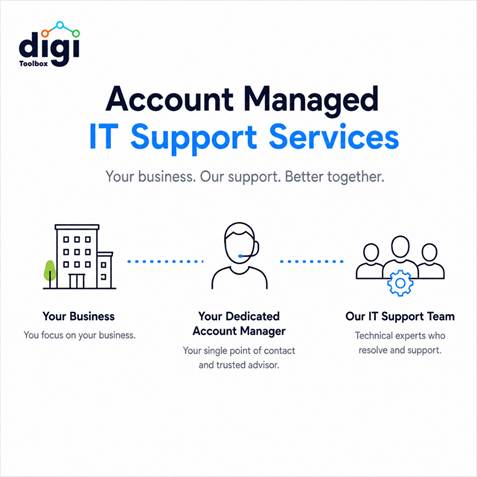
Digi Toolbox can help you plan your business communications, select suitable equipment and configure a solution around your requirements. Based in Hampshire and supporting businesses across the UK, we provide straightforward advice, setup and ongoing support.
If you need a complete cloud-based business phone solution, take a look at our hosted phone systems or speak to our team about your requirements.
I would link “hosted phone systems” there only if you haven’t already added the link we discussed in the introduction. If the introduction already contains that link, don’t link it again — instead make Speak to Our Team point to your enquiry/contact journey.